Two ways to play
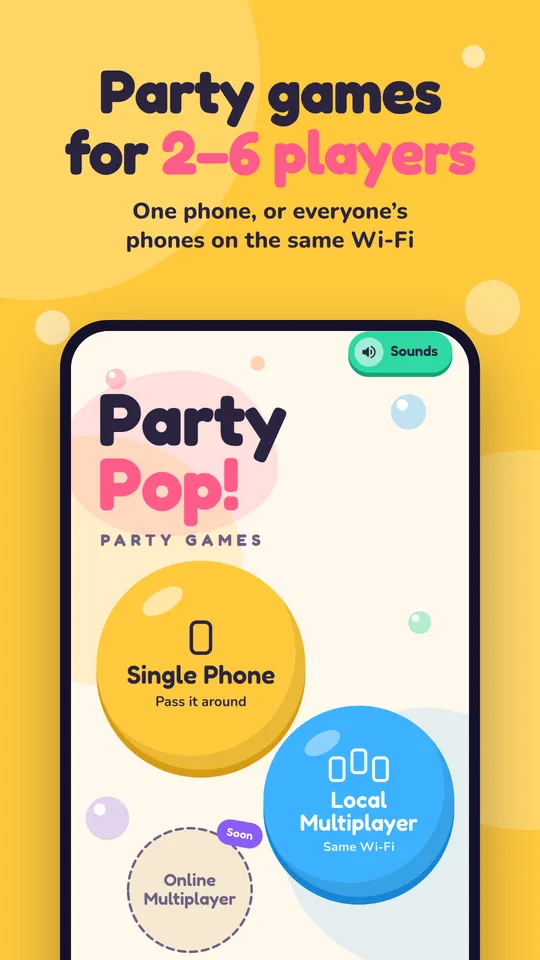
One phone or everyone’s
Same Phone
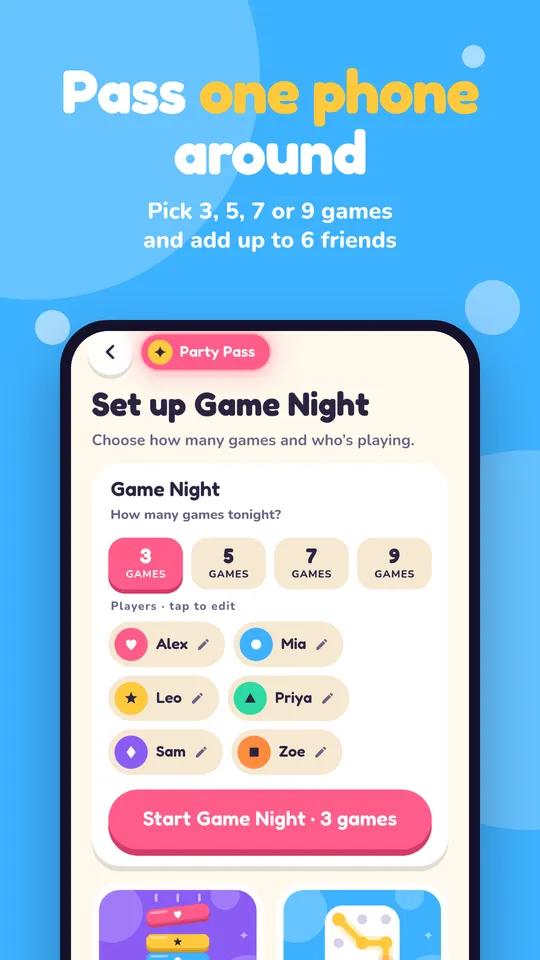
Pass one phone around the room.
- Every game is free to play
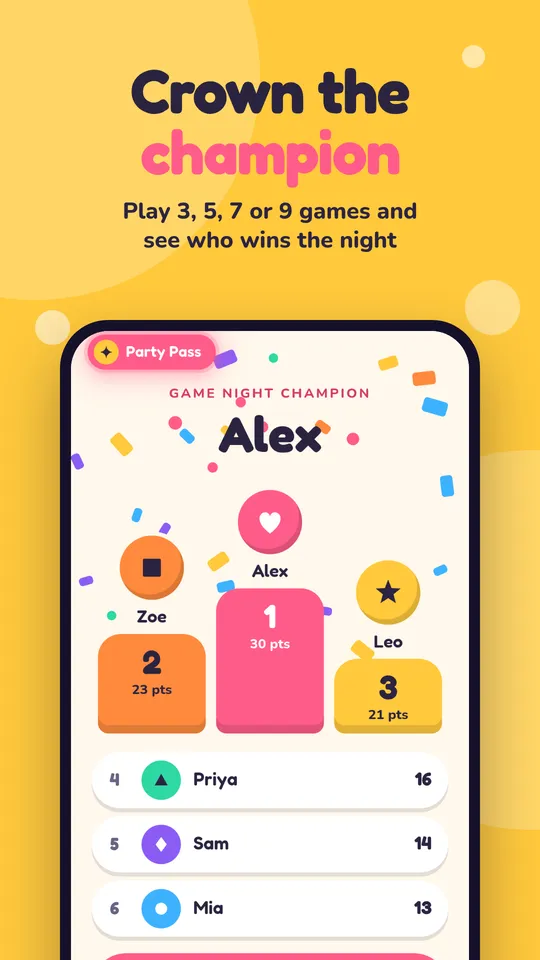
- Pick 3, 5, 7 or 9 games for a game night
- 2–6 players, no accounts
Local Multiplayer
Everyone plays on their own phone, on the same Wi-Fi.
- Joining a room is free
- Host with Party Pass, or free after a short ad
- Drop out? Your seat is kept while you reconnect
The games
Something for every party
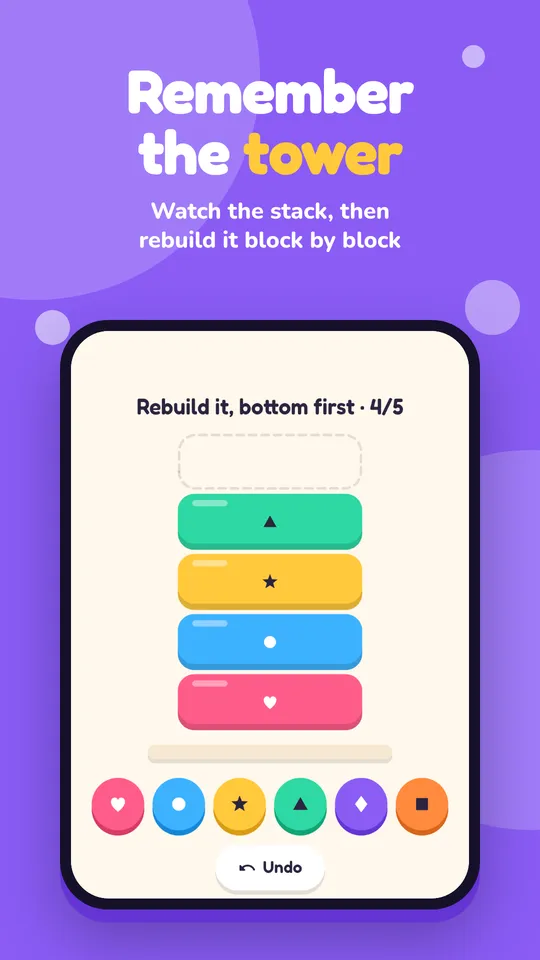
Chroma Recall
Watch the tower drop, then rebuild it from memory.
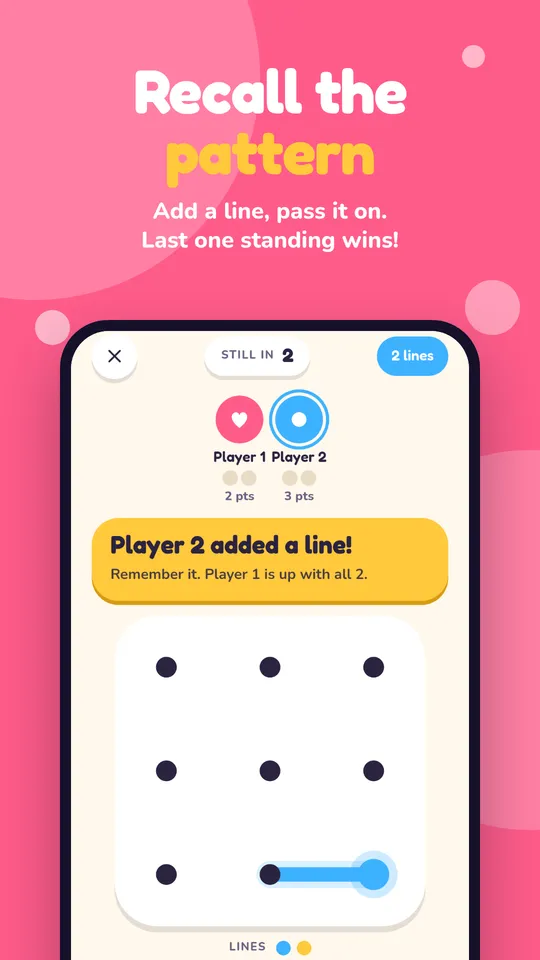
Pattern Recall
Replay every line so far, then add one more.
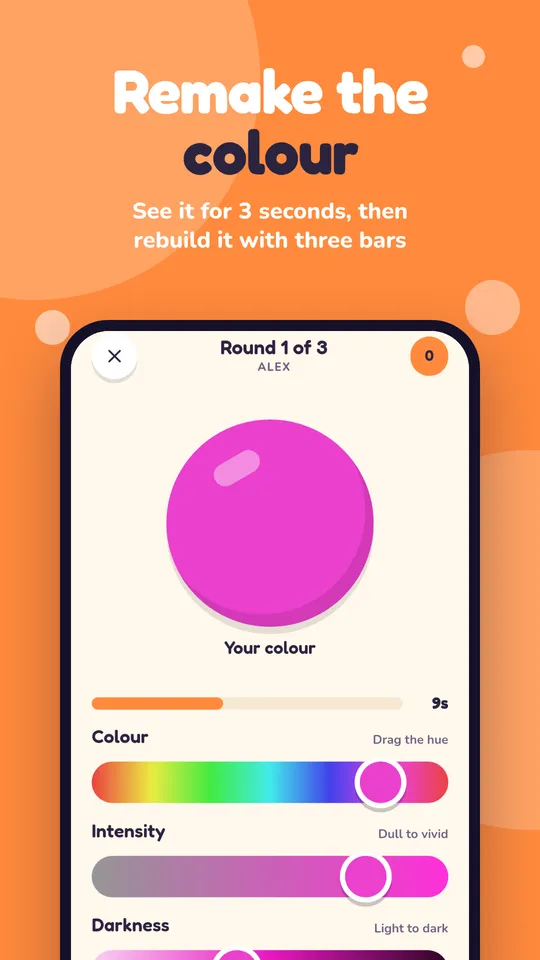
Color Guess
Remake a colour with three bars. Closer scores more.
Math Rush
Quick sums against the clock, or buzz in first.
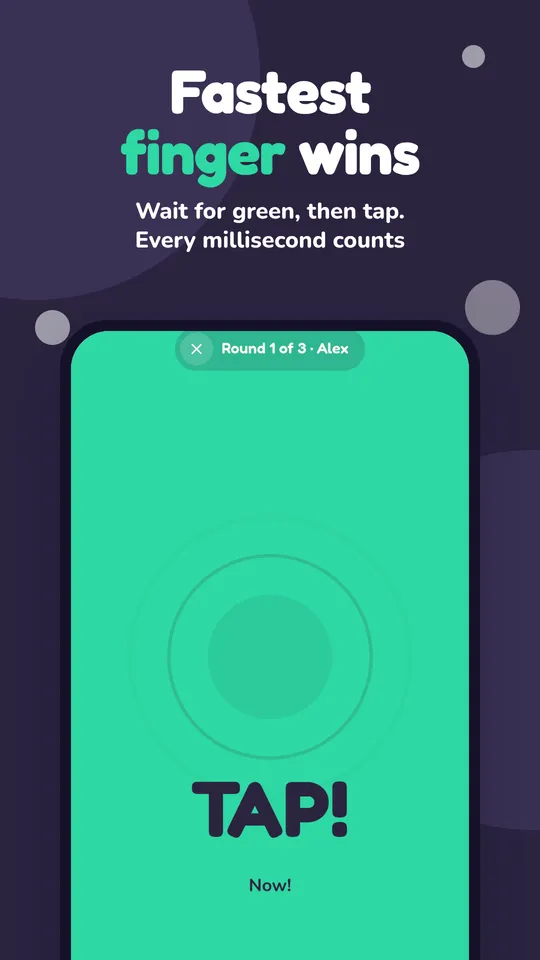
Reflex Duel
Wait for green, then tap. Fastest wins.
Tic-Tac-Toe
Three in a row wins. Two players, or you vs a bot.
Four in a Row
Drop discs. Four across, down or diagonal.
Stop the Clock
Start a hidden clock and stop it right on the target time.
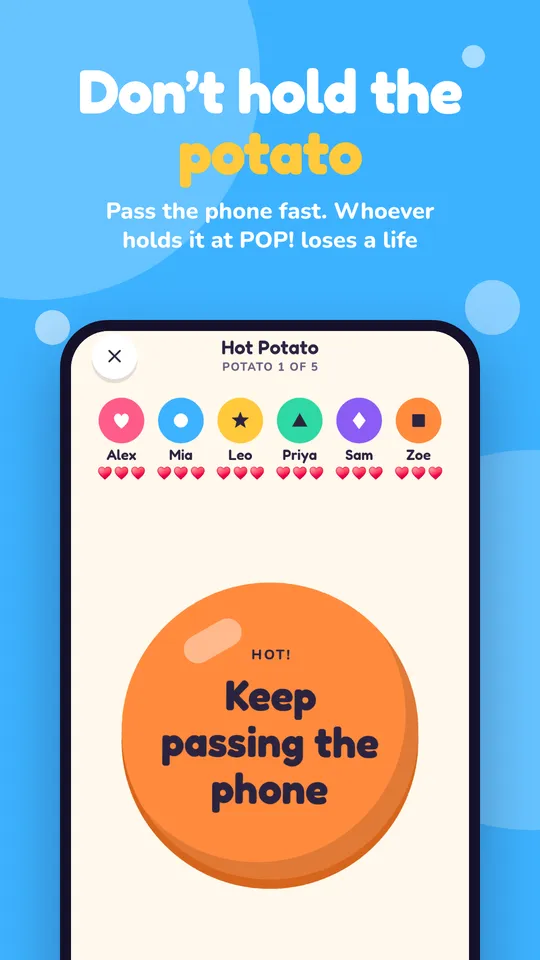
Hot Potato
Pass the phone around. Whoever holds it at POP! loses a life.
Card Pop
Match the colour or number. Down to one card? Hit Pop!
Tap Tug of War
Tap like crazy to pull the rope to your side.
More games on the way.
Questions
Good to know
Is Party Pop free?
Yes. Party Pop is free to download, and every game can be played on one phone for free, with an ad between rounds. Party Pass removes the ads. To play on several phones, one person hosts a room with Party Pass or by watching a short ad, and joining is always free.
How many players can play?
Party Pop is made for 2 to 6 players. Tic-Tac-Toe and Four in a Row are for two, or you can play them solo against a bot.
Can everyone play on their own phone?
Yes. In Local Multiplayer one person hosts a room and everyone else joins from their own phone on the same Wi-Fi network. If a phone drops out, its seat is kept while it reconnects.
Do I need an account?
No. There’s no sign-up or login. Type in the players’ names and start playing.
Which devices does Party Pop run on?
iPhone and iPad from the App Store, and Android phones and tablets from Google Play.
Get the party started
Free on iPhone, iPad and Android.